ValidUntil
Never miss an expiry date again.
ID card, passport, driving licence, insurance, vehicle inspection, warranties… Note when each one expires and ValidUntil reminds you in time.
AndroidiPhone (in the works) Free v1.0.0
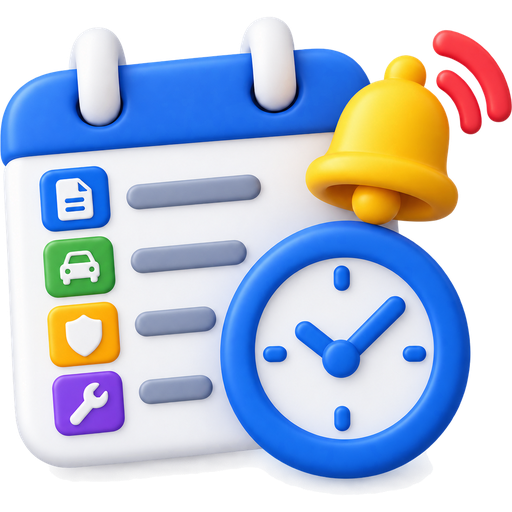
Reminders before it's too late
Every date gets its own reminders. If several fall on the same day, they arrive together in a single notification.
- 30 days First reminder: plenty of time.
- 7 days One week: time to book an appointment.
- 3 days Final days.
- Today It expires today.
- Expired Reminders until you renew it.
What ValidUntil does
Everything sorted by category
Documents, insurance, vehicle inspections, warranties… A document can be in several categories without being duplicated.
Your family's too
Keep the documents of the people you live with as well.
Your cards, always with you
Photos of both sides, barcodes and QR codes, and ID card and passport scanning.
Locked with fingerprint or PIN
Photos of your cards stay on your phone only, and you can lock them.
Your data, on any phone
Create an account with your email, no phone number or SMS needed. Your dates sync when you switch devices.
Free, no ads
No advertising and no selling your data.
Get the app
Free, no ads. Choose your store:
- Coming soon toGoogle Play For Android phones and tablets
- Coming soon toApp Store For iPhone and iPad
Your privacy comes first
- Photos of your cards never leave your phone.
- We never see your password.
- Your dates are stored on servers in Madrid.
- You can delete your account and your data whenever you want.
Frequently asked questions
How much does it cost?
Nothing. ValidUntil is free and has no ads.
Do I need to give my phone number?
No. The account only needs an email address and a password.
Where is my data stored?
Your dates and document details are stored in Firebase, in Madrid. Photos of your cards stay on your phone only.
What if I change phones?
Sign in with your account on the new phone and your dates will be there.
Is there an iPhone version?
It's in the works.
How do I delete my account?
In the app, under Settings > Delete account, or by writing to us. It's explained on the "Delete account" page.
Availability
For Android, coming soon to Google Play. The iPhone version is in the works. Free.